
Explore a personal game terminal built for the future.

Meet LAN, your AI companion
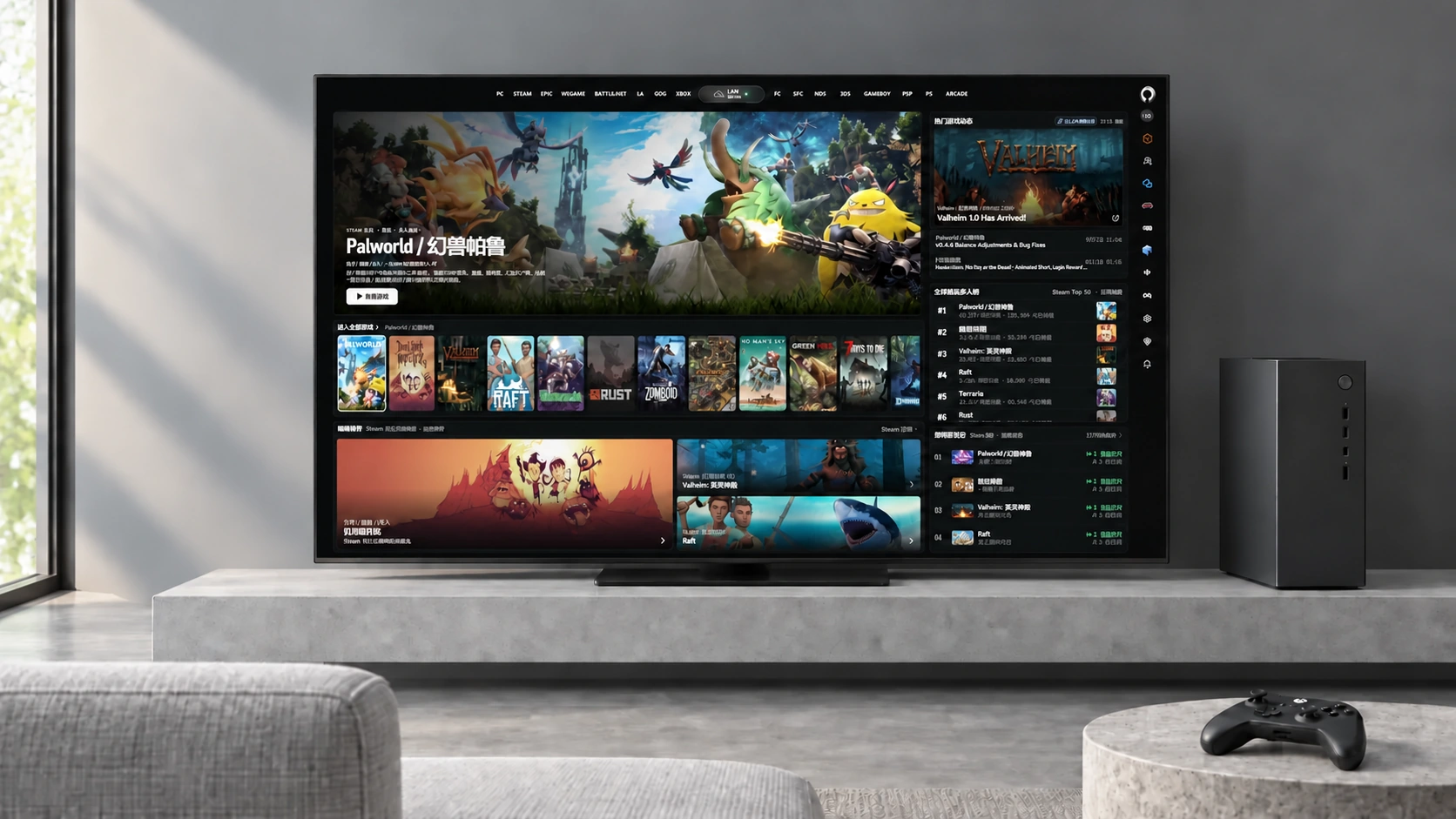
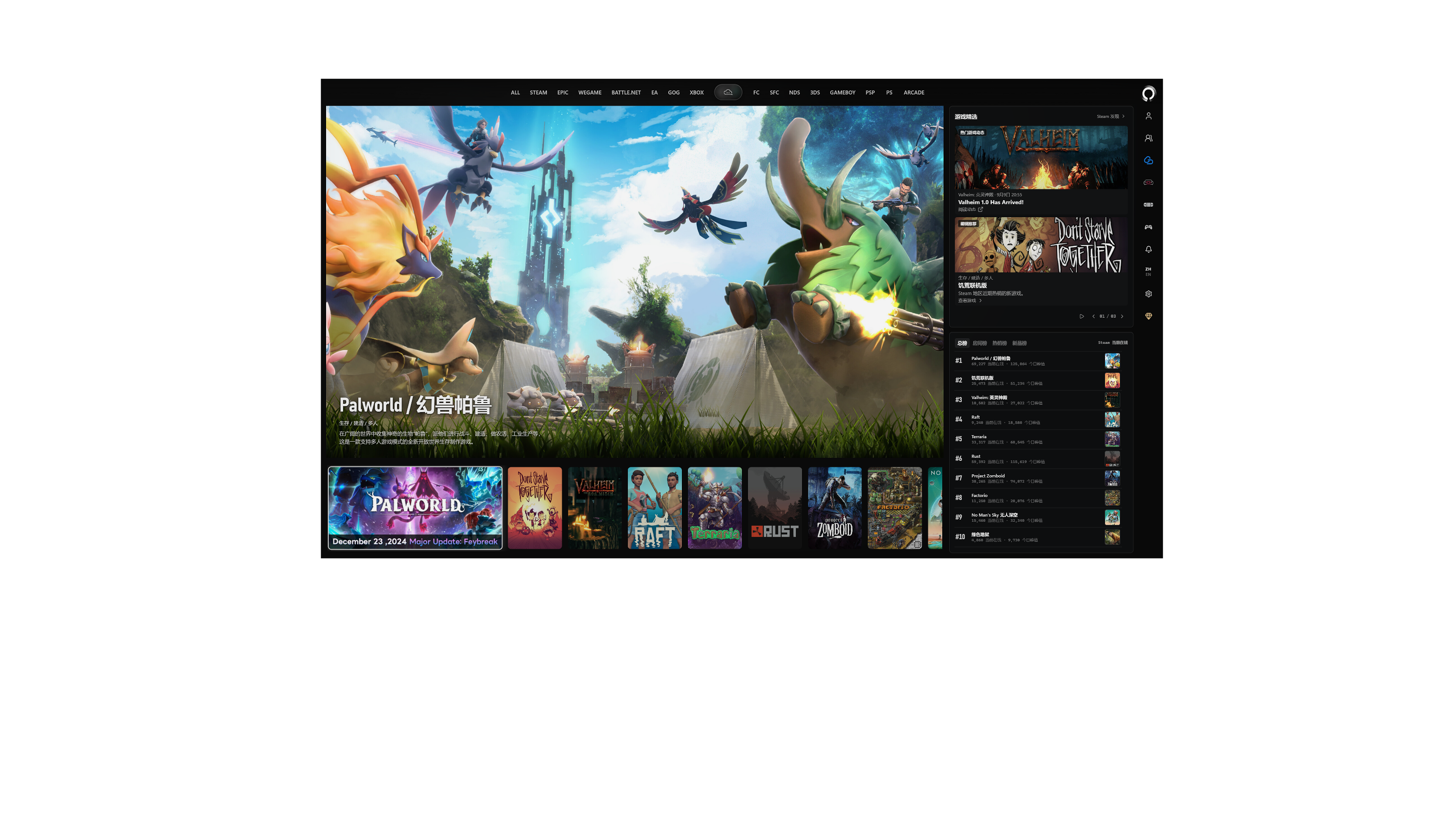
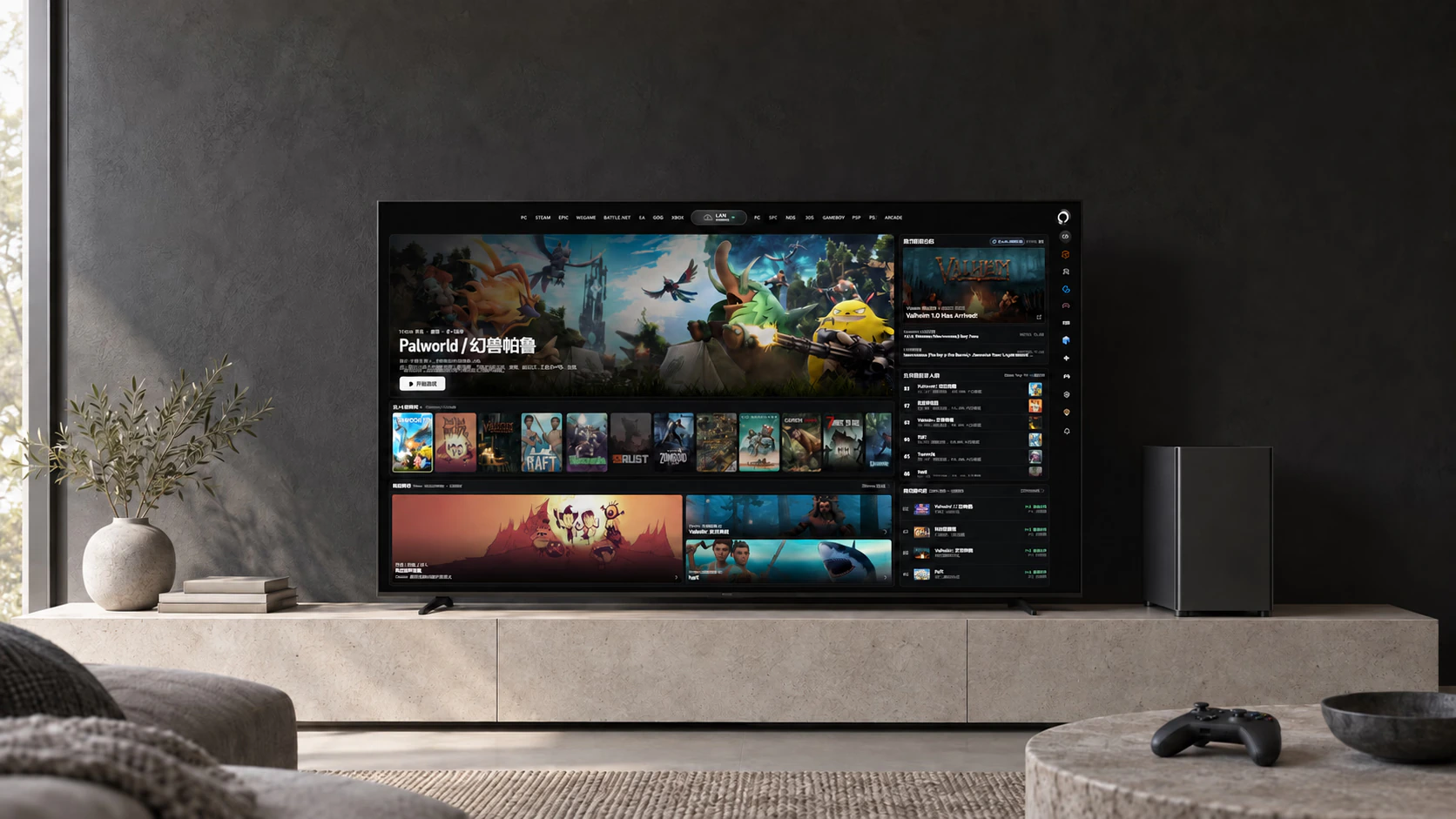
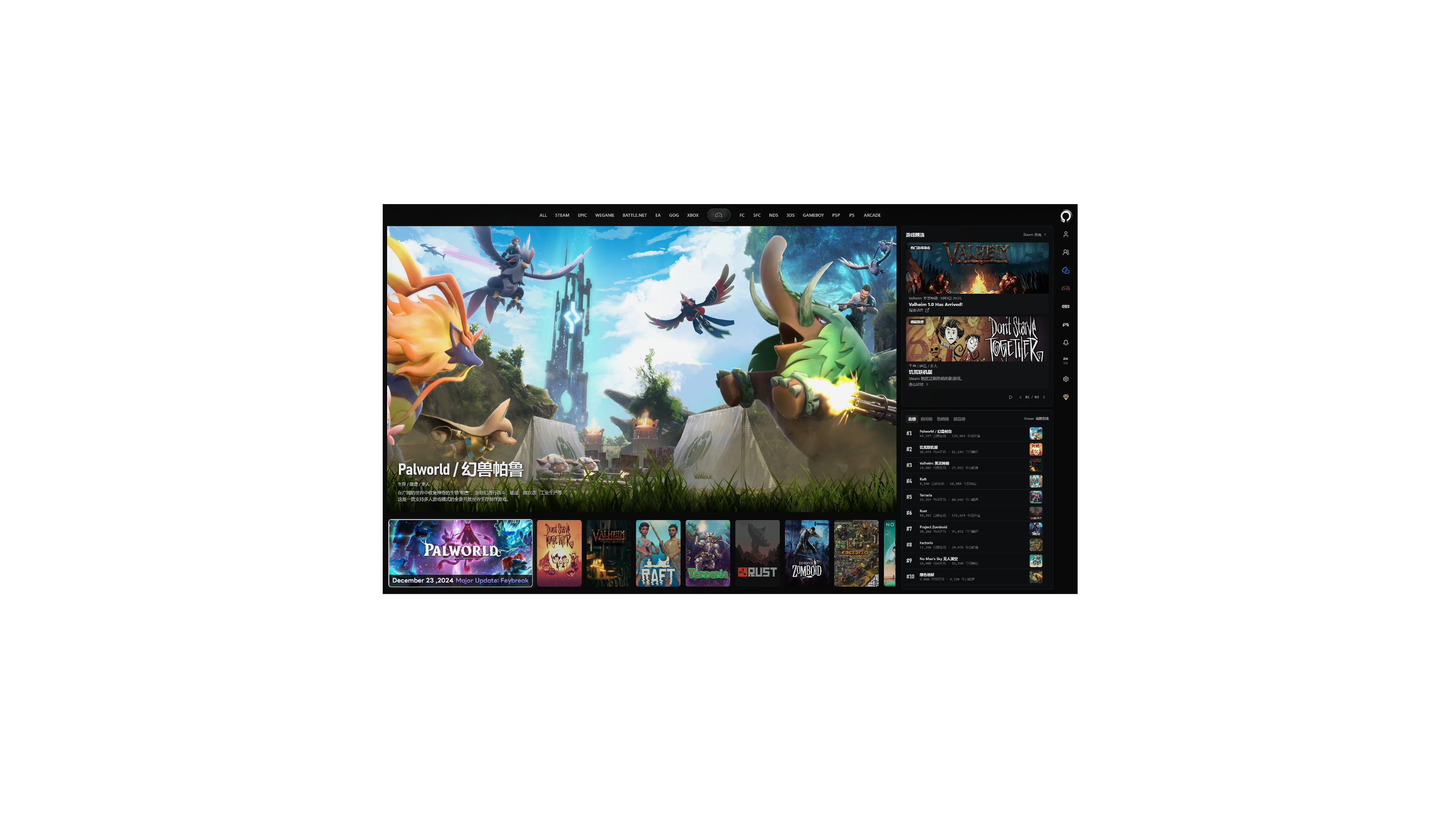
Orbit living-room gaming space: an AI-generated scene composited with the real 4K component interface, showing the current homepage, announcements, and sample rooms

An AI game terminal for PC players, bringing together a game library, classic emulators, LINK multiplayer, and SOFA streaming. LAN is ready to help with guides and troubleshooting so you can start each session with confidence.

Core purpose
Unified game entryBring PC collections and classic emulators together, ready to play
AI companion
LAN is ready when you areFind guides, solve problems, and troubleshoot so you can start every session with confidence
Multiplayer and streaming
Remote direct connections and sharingLow-latency multiplayer across networks, with audio, video, and desktop sharing whenever you like

Keep what you love. Get straight to play.

Enjoy a solo story, team up with friends, or revisit classic memories. Bring everything you love together and start playing without cumbersome platform switching.

Find the game you want in a unified library, with LAN helping organize guides and resolve launch issues. Use LINK for encrypted direct remote connections and cross-network file transfers, paired with SOFA streaming to share the experience whenever you like.

A low-angle group portrait of five adult gaming friends in black, white, gray, and blue clothing, holding a game controller in the foreground

Let LAN help clear the way to play

Find guides and multiplayer requirements for the current game and check the runtime environment in advance. When errors or issues arise, LAN suggests fixes that execute with one click after your confirmation, with progress tracked.

A low-angle view of Lanlan (LAN) leading three adult friends as they run together; full figures, simple architecture, and the sky create depth in an AI-generated art scene about setting off to play together

New games and old favorites in one place

Keep PC games and classic emulators together, browse by platform, and launch with one click. Move past fragmented platforms and cluttered shortcuts, so every favorite is ready to play.

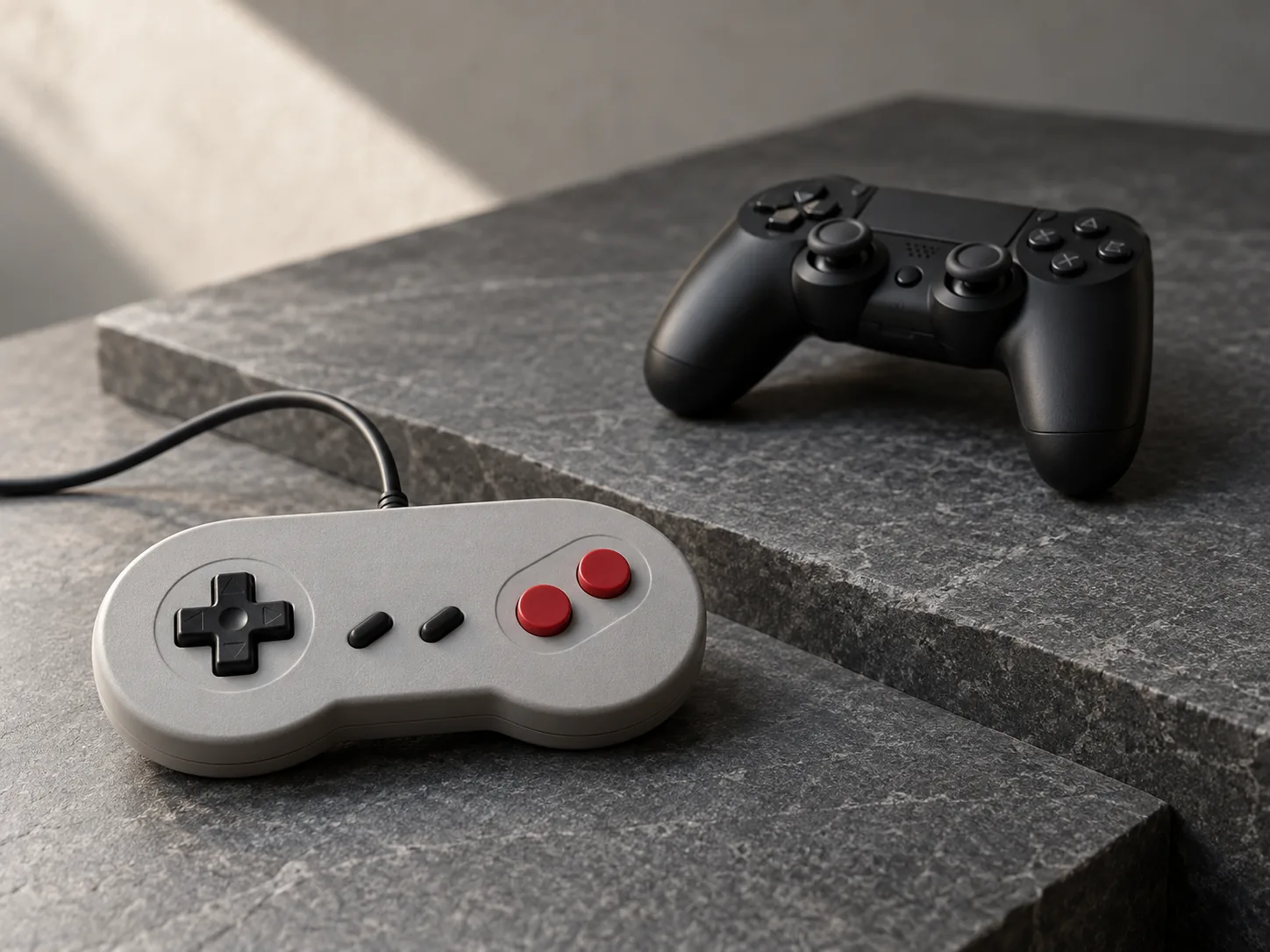
Classic and modern game controllers arranged at different angles on a gray stone surface

Cross the distance and play together anytime

Build a virtual LAN across networks with LINK, transfer files quickly, and organize low-latency play with remote friends. Use SOFA to share audio, video, and desktops in real time for shared-screen games and two-player adventures.

Two adult friends playing together with controllers in a relaxed setting
An AI-generated living-room scene with a large display, composited with the real Orbit 4K component interface, including Steam announcements and sample rooms

With LAN at hand, enjoy the game

Skip constant window switching to search the web and the hassle of configuring runtime environments. Whether you need a guide, help with an error, or a game with friends, LAN is ready to help you prepare.

See how LAN helps

Find a guide without leaving the game

Bring up level tips and multiplayer guides for your current game whenever you need them, and enable live Internet access for the latest information.

Guide sources are clearly available to check, without unnecessary ads or spoilers, so you can stay immersed in your adventure.

Get one-click help with errors and crashes

Automatically check for missing environment components, runtime dependencies, and configuration conflicts to pinpoint what is preventing play.

Receive targeted solutions and apply a fix with one click after your confirmation, saving the effort of searching through troubleshooting posts.

Get ready quickly for cross-network play with friends

Automatically check game versions and network connections to resolve the prerequisites for remote LAN multiplayer.

Establish a direct tunnel and test connection quality, then bring your friends straight into the room.

AI features require a connection to an available model service. All launches and system changes require your confirmation; permissions and security remain under your control.

Cross physical distances and network barriers to join the same virtual LAN whenever you like.

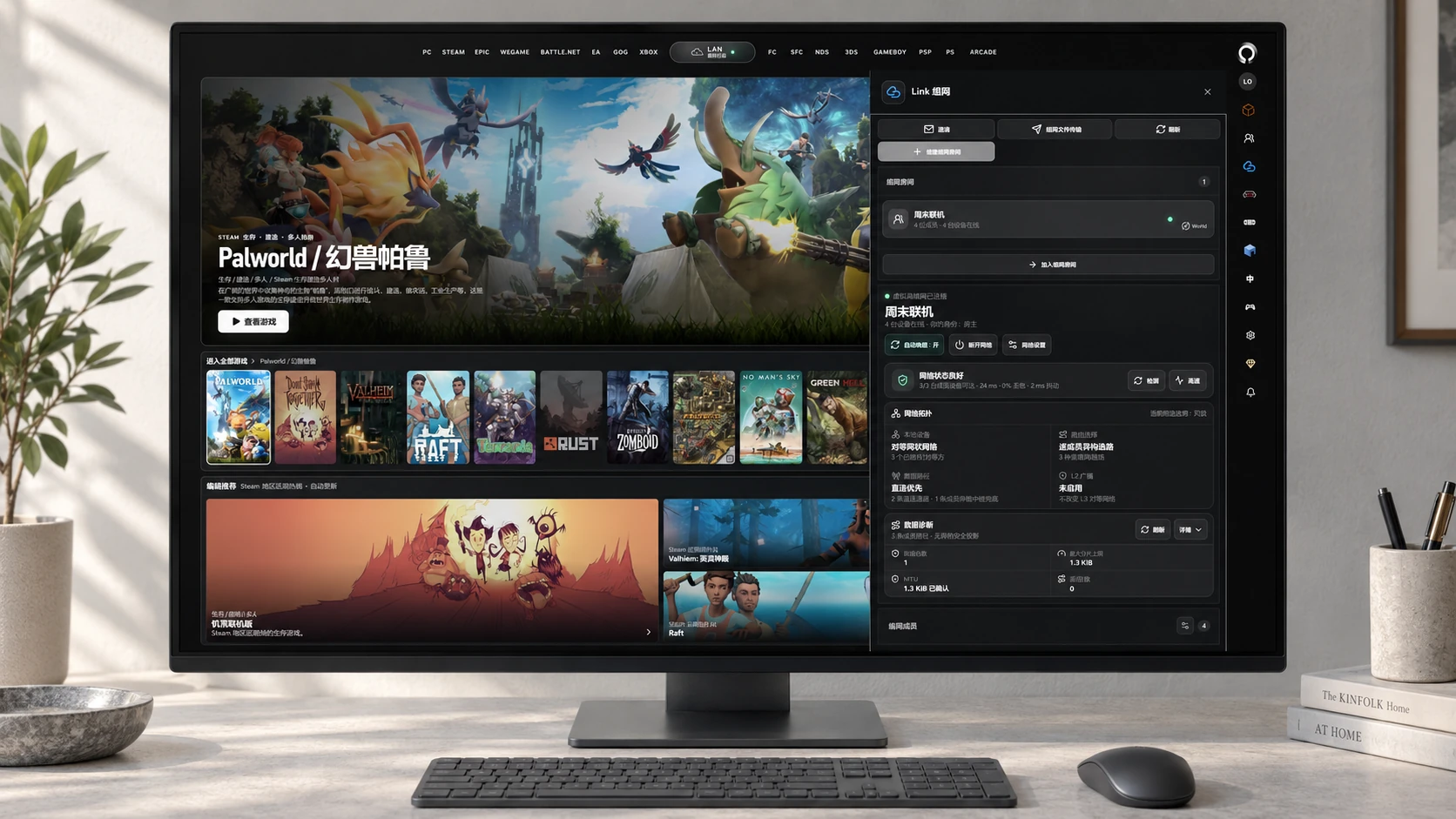
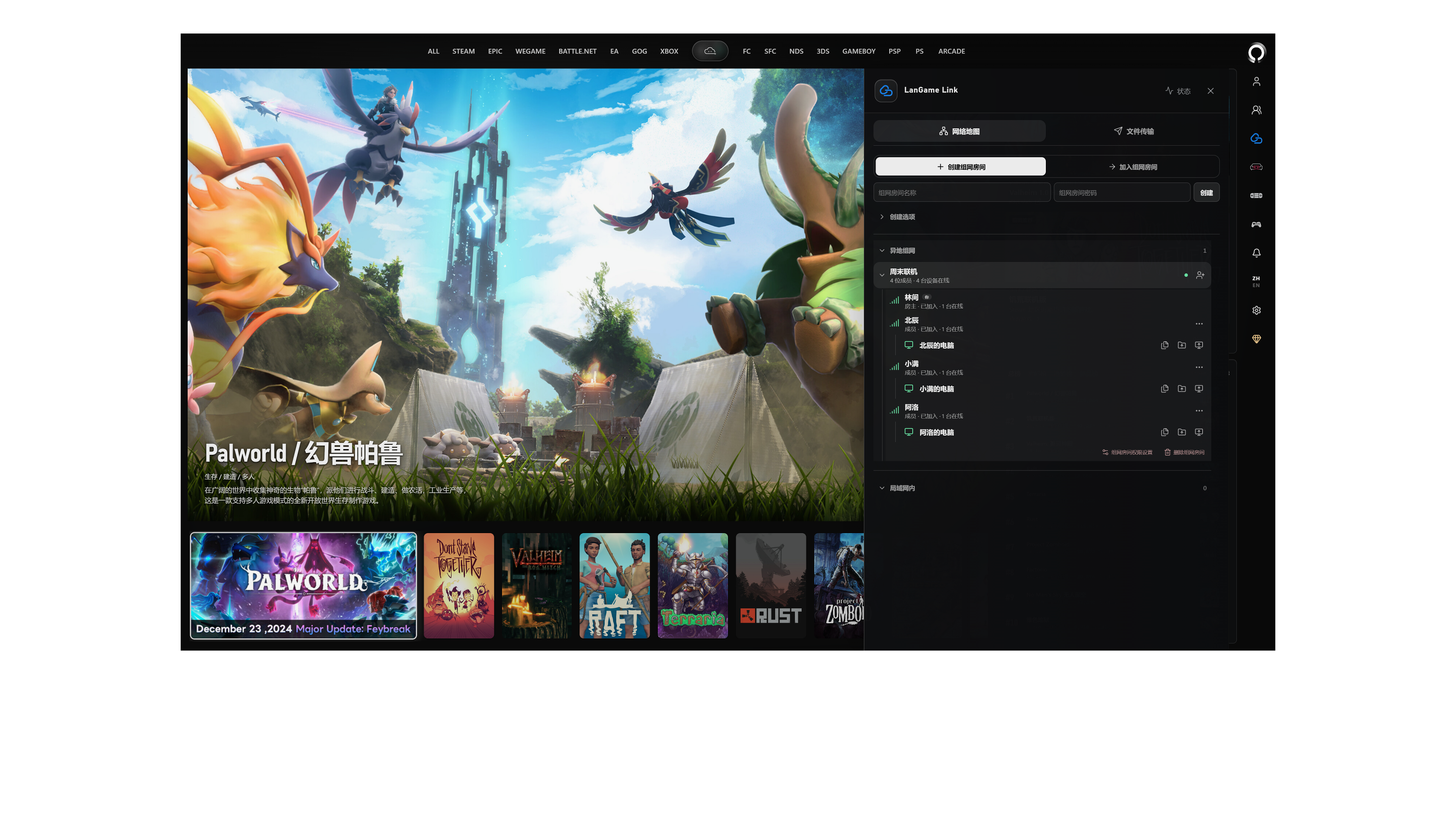
Create or join a LINK room with one click and connect devices across different networks. Pick a game, transfer files quickly, and start playing with an encrypted direct peer-to-peer connection.

An AI-generated workspace scene composited with Orbit's current LINK component 4K interface, showing an expanded sample remote networking room, members, and online devices

You host the server,friends join through Orbit

LGSM starts your own world with one click, and Orbit brings friends straight into the room.

Server owners focus on managing the world, while players join directly with ease. Connect the server and player terminals seamlessly, giving every gathering a shared destination.

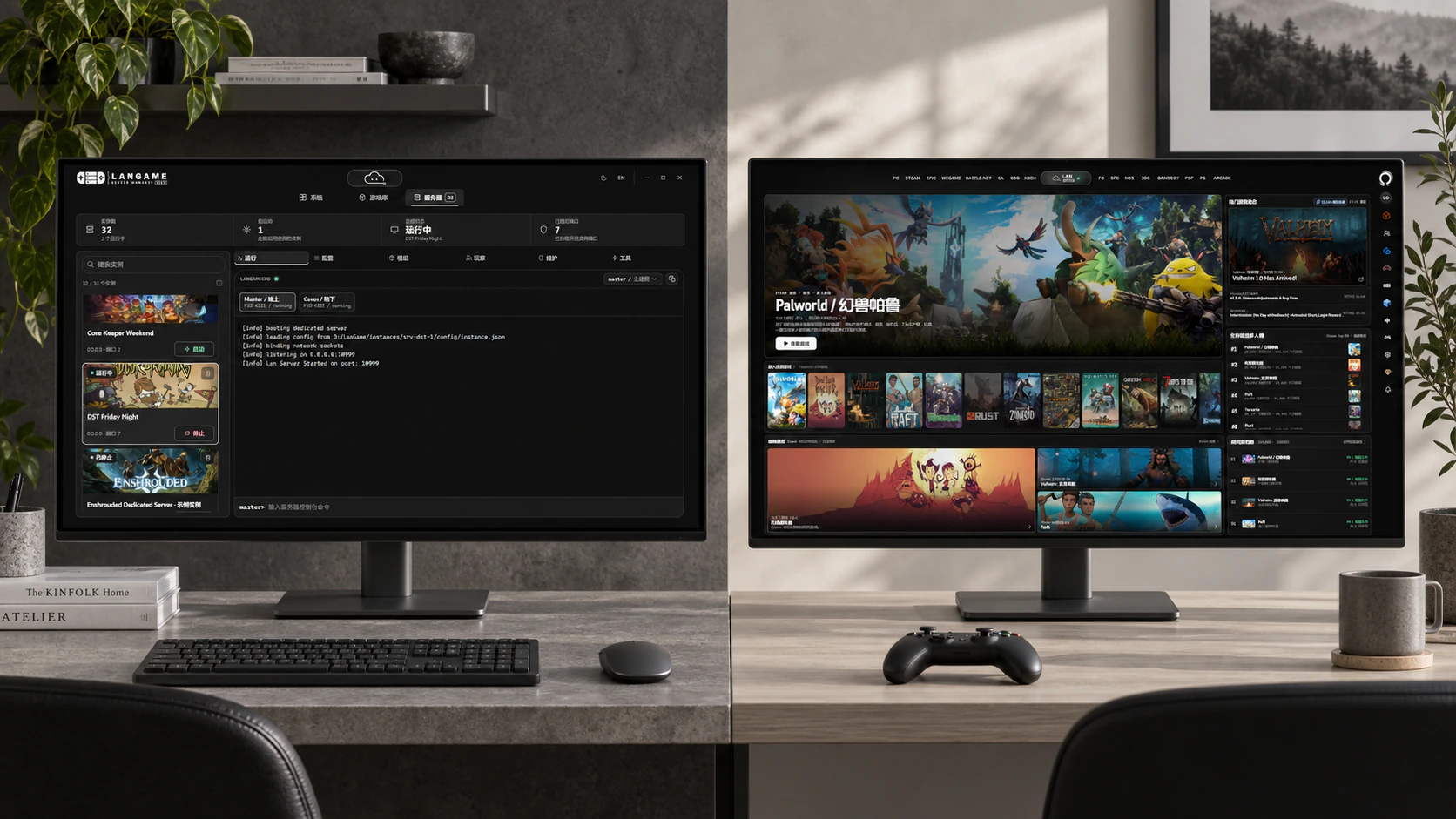
Explore LanGame Server Manager
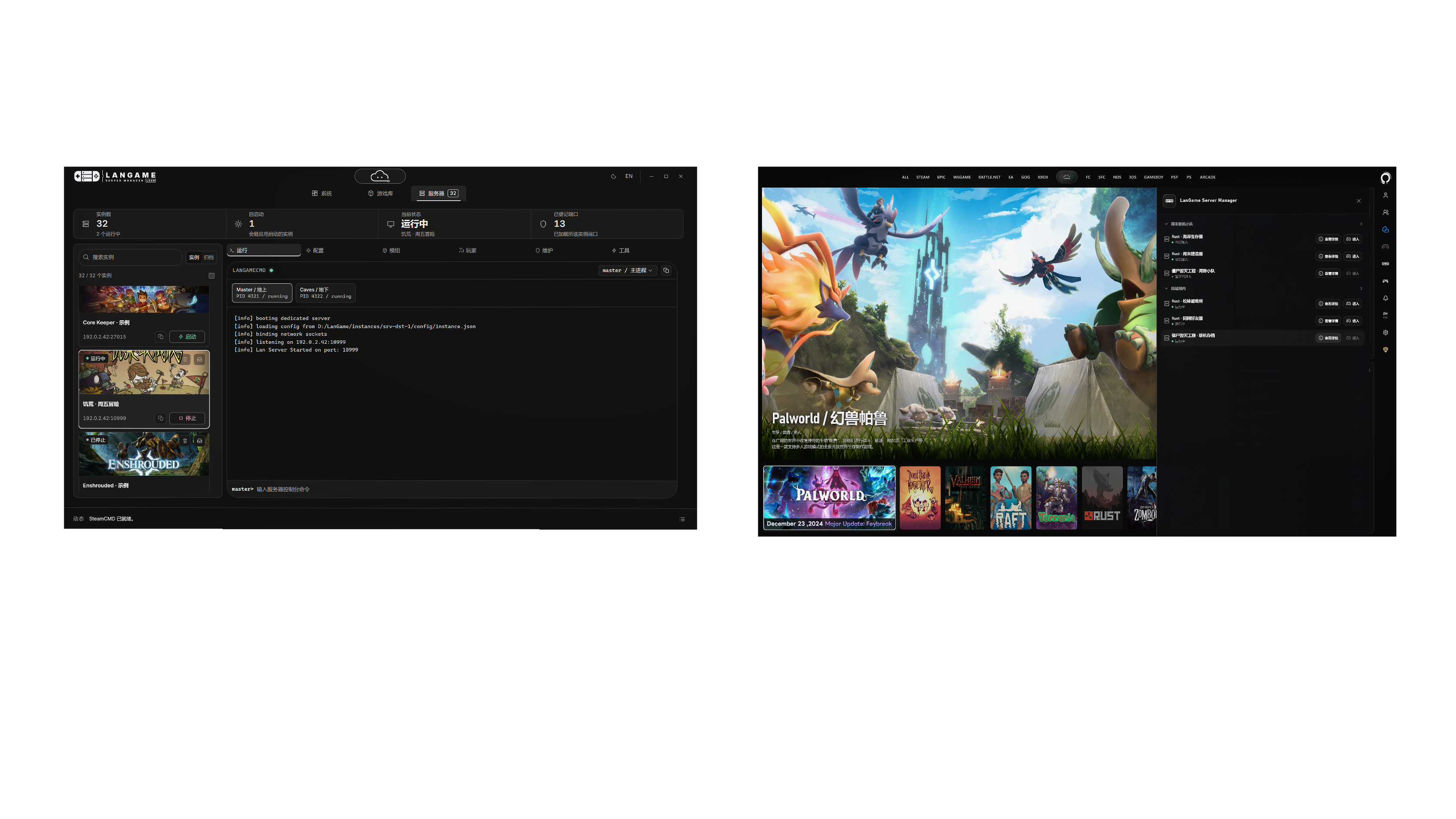
LGSM server management and Orbit's LGSM side panel in two separate workspaces; the right side lists joinable room services and LAN servers. An AI-generated photographic scene composited with current product component interfaces, using sample data

LGSM dedicated servers

Deploy, configure, and manage dedicated servers with one click. Leave the demanding operations work to LGSM so players can simply join and enjoy.

Discover servers on your network automatically

Automatically scan running instances and their status on the same LAN. For games that support direct joining, confirm with one click to launch and enter quickly.

Publish across networks, connect from afar

From Orbit on the server computer, publish your dedicated service to the current LINK room so remote friends can click to connect.

Two computers, one adventure

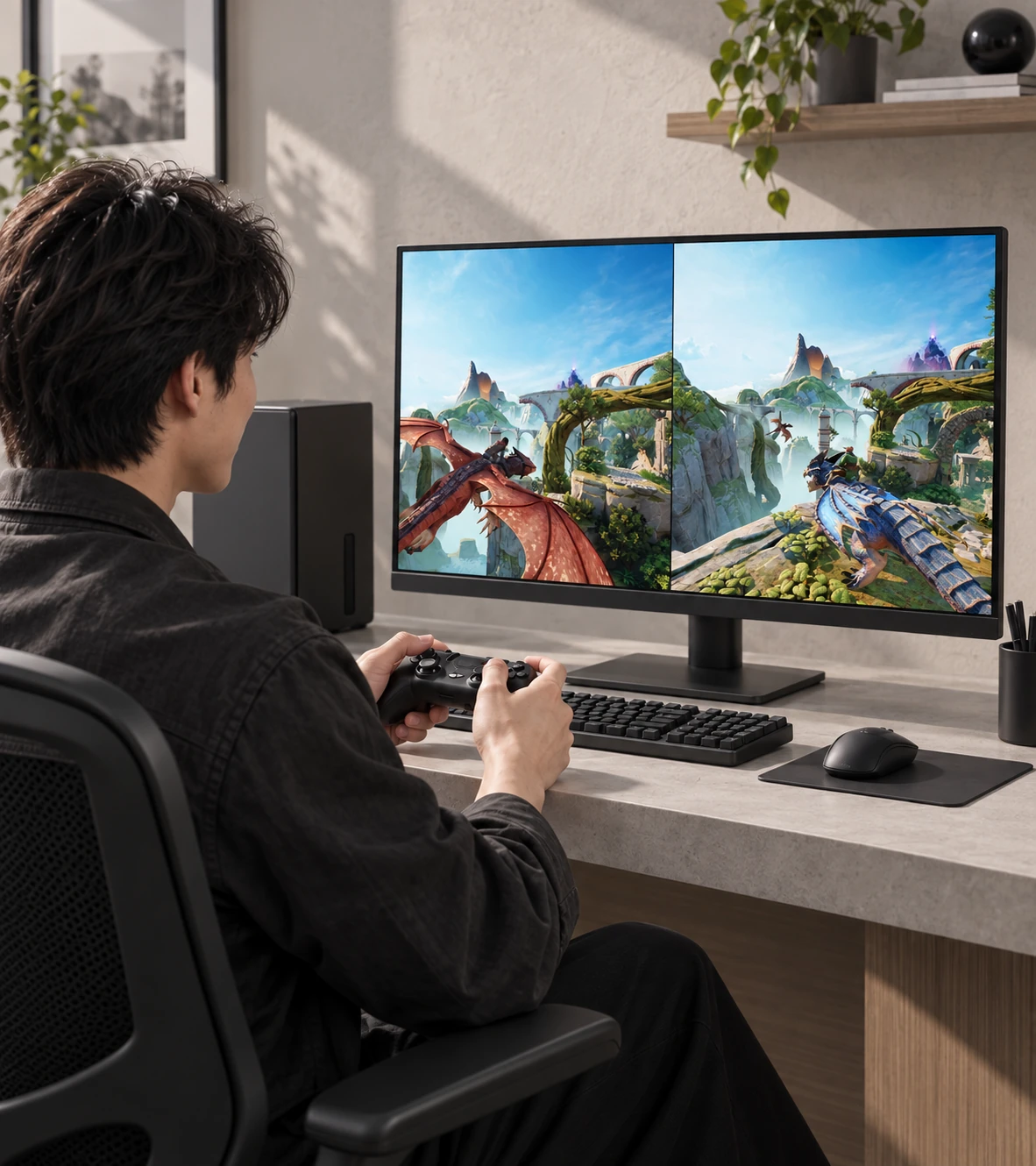
Your game runs at full speed on your PC, and a friend can join from another computer whenever they like.

Use LINK's direct cross-network connection to stream games through SOFA with ultra-low latency. Play local two-player games together from miles apart, with lossless image quality and controls that feel as though you are sitting side by side.

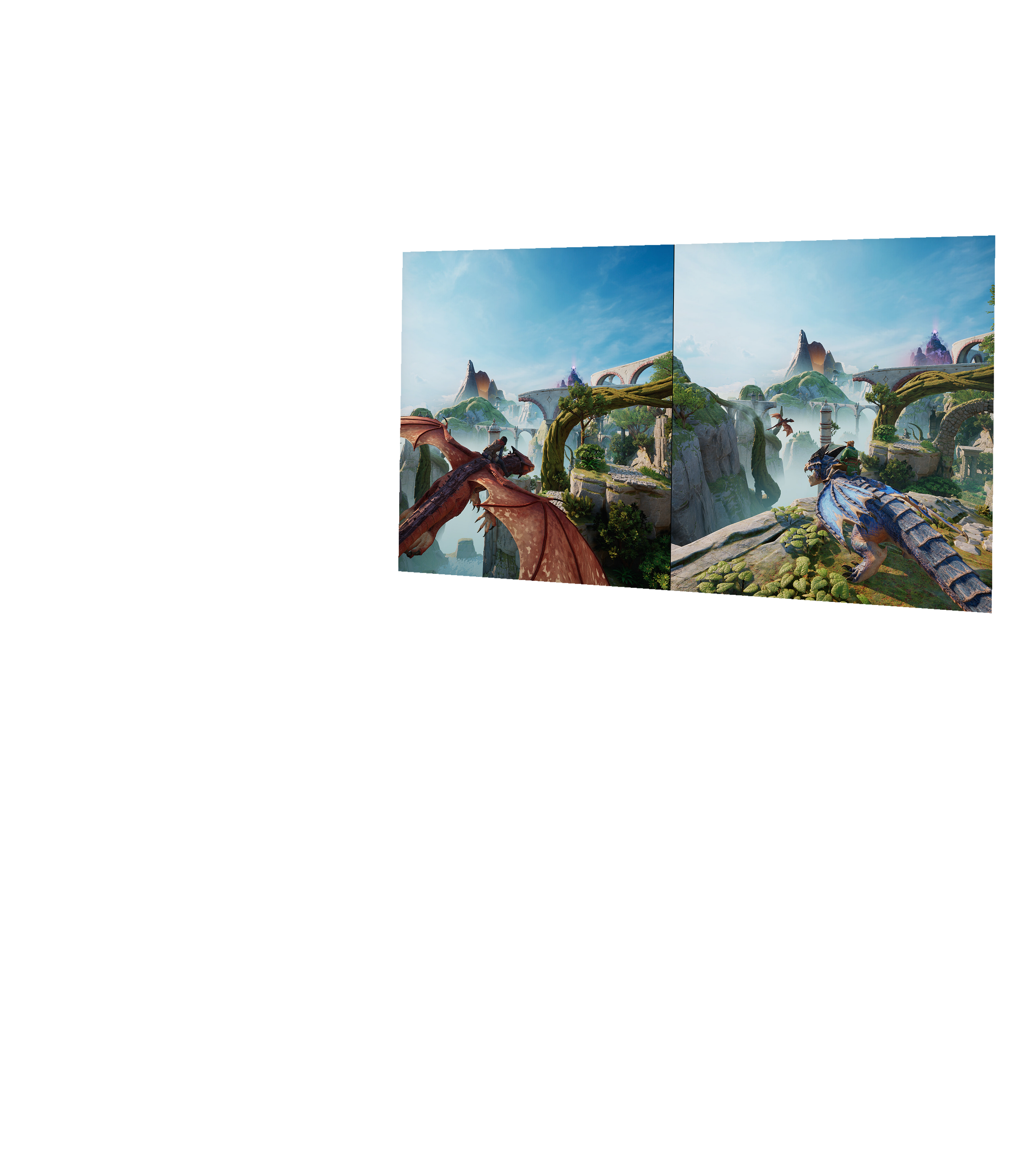
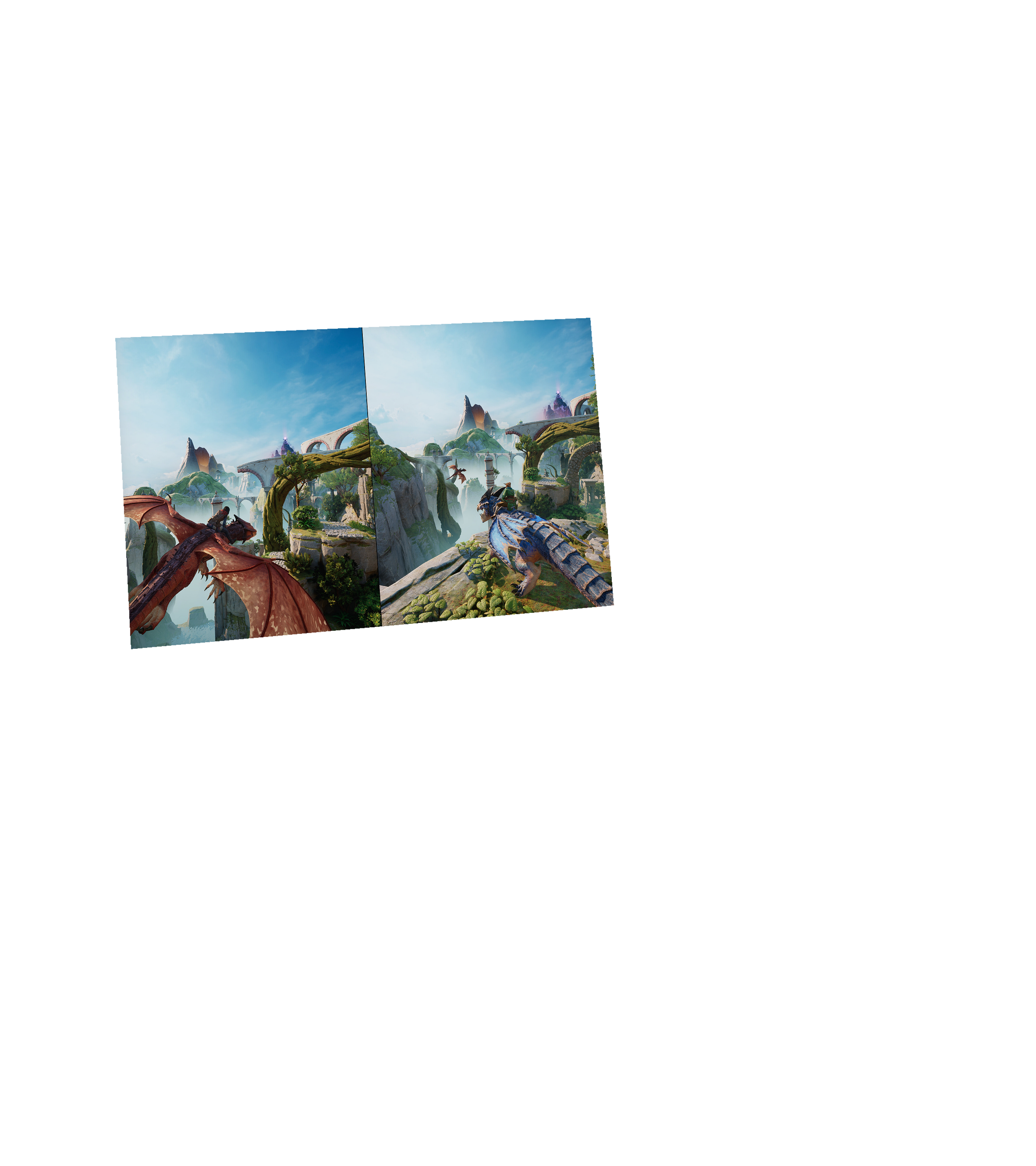
Separate AI-generated photography of the SOFA host, composited with official game imagery: an adult player holding a controller, with the desktop monitor showing the complete two-player split-screen view of Split Fiction

Full-speed host performance

Stream high-quality video in real time, with control over viewing and input permissions.

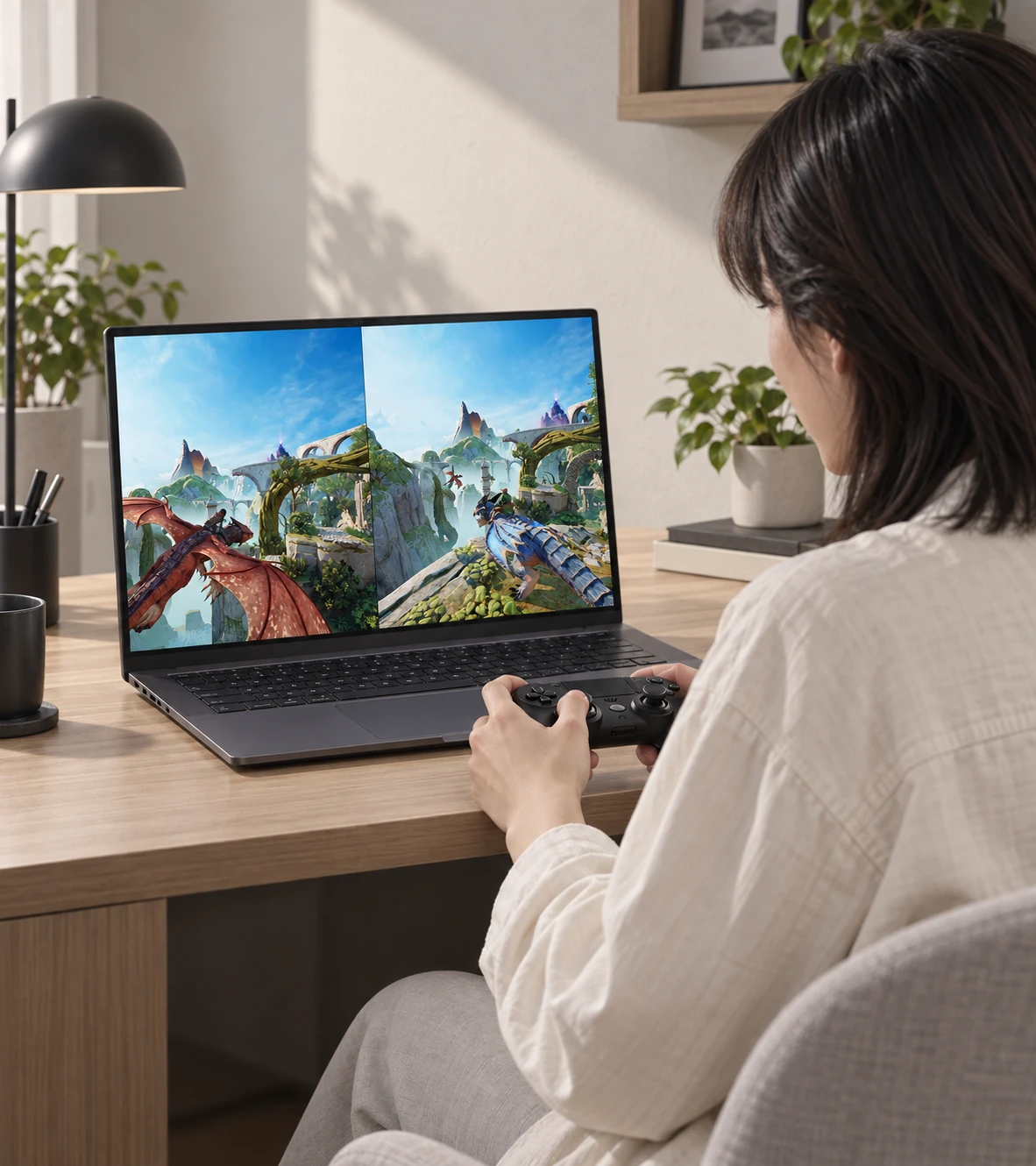
Separate AI-generated photography of the SOFA receiving device, composited with official game imagery: an adult player using a controller at a laptop, showing the same complete Split Fiction view as the host

Join the same screen from the receiving device

Receive audio and video with ultra-low latency, plug in and play, and fight side by side without delay.

Ready in three steps. Start playing.

  1. Choose the game you want

    Select the game in the unified library and let LAN check its runtime environment and prepare gameplay guides in advance.

  2. One-click troubleshooting to get ready

    Get a targeted repair plan for errors or configuration conflicts and remove launch obstacles with one click after your confirmation.

  3. Immerse yourself in the game

    With the environment and network ready, head straight into the game world for a solo adventure or a session with friends.

A home for your classic collection

Keep your favorite console, handheld, and arcade collections together, and bring golden gaming memories from every era back to life whenever you like.

With LINK's remote networking, revisit classic battles with friends far away and start low-latency multiplayer sessions across time and distance.

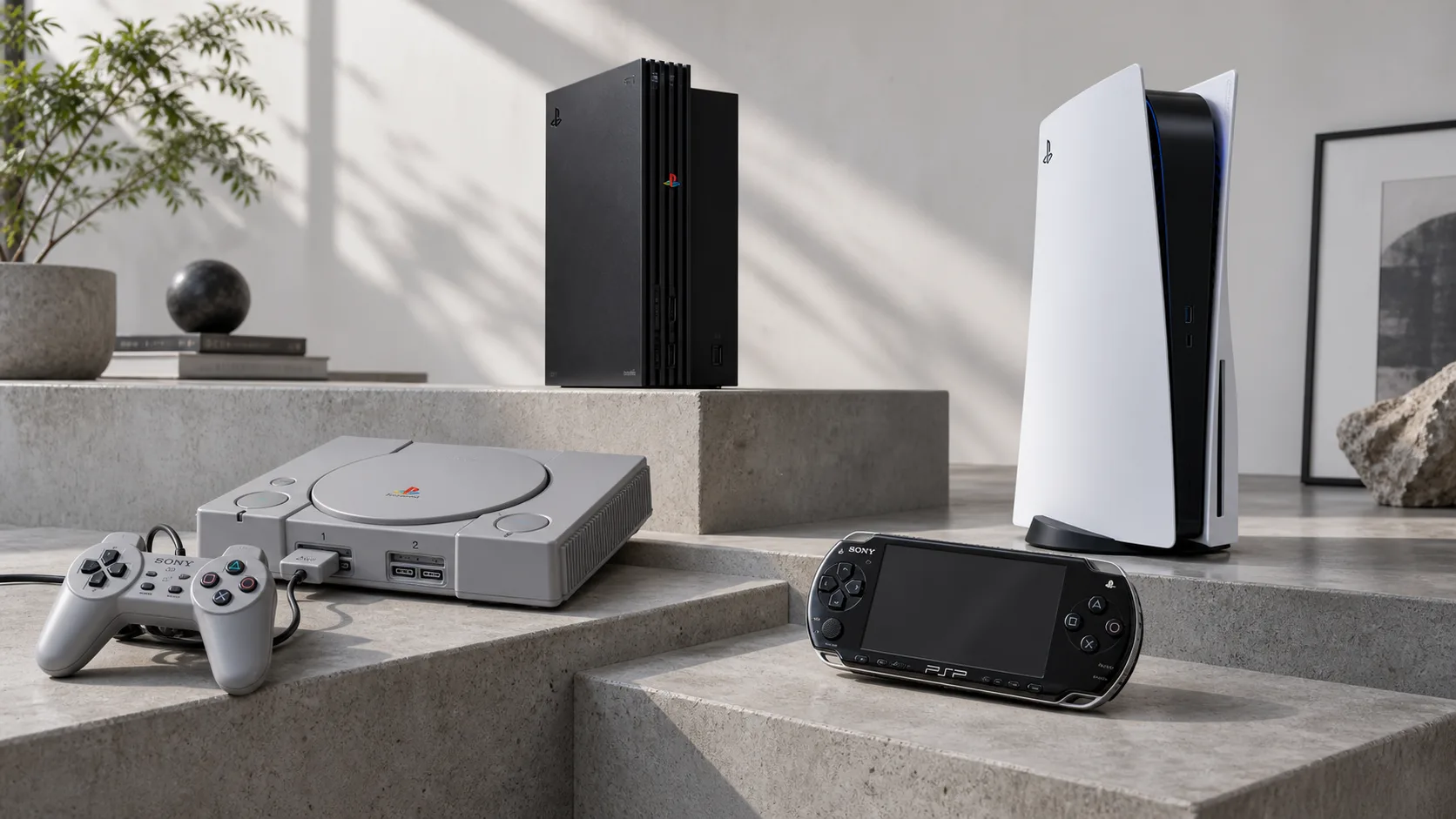
Return to your console years

Organize your console collection across generations and rediscover the games you loved.

PlayStation, PS2, PS5, and PSP collectibles on gray stone steps, an AI-generated scene celebrating console culture

Adventures in your palm

Keep your handheld gaming memories alive and give the stories on those small screens a home.

Two adult gamers in contemporary clothing using an NDS and GBA on gray architectural steps, with a Game Boy in the foreground; an AI-generated scene in natural colors

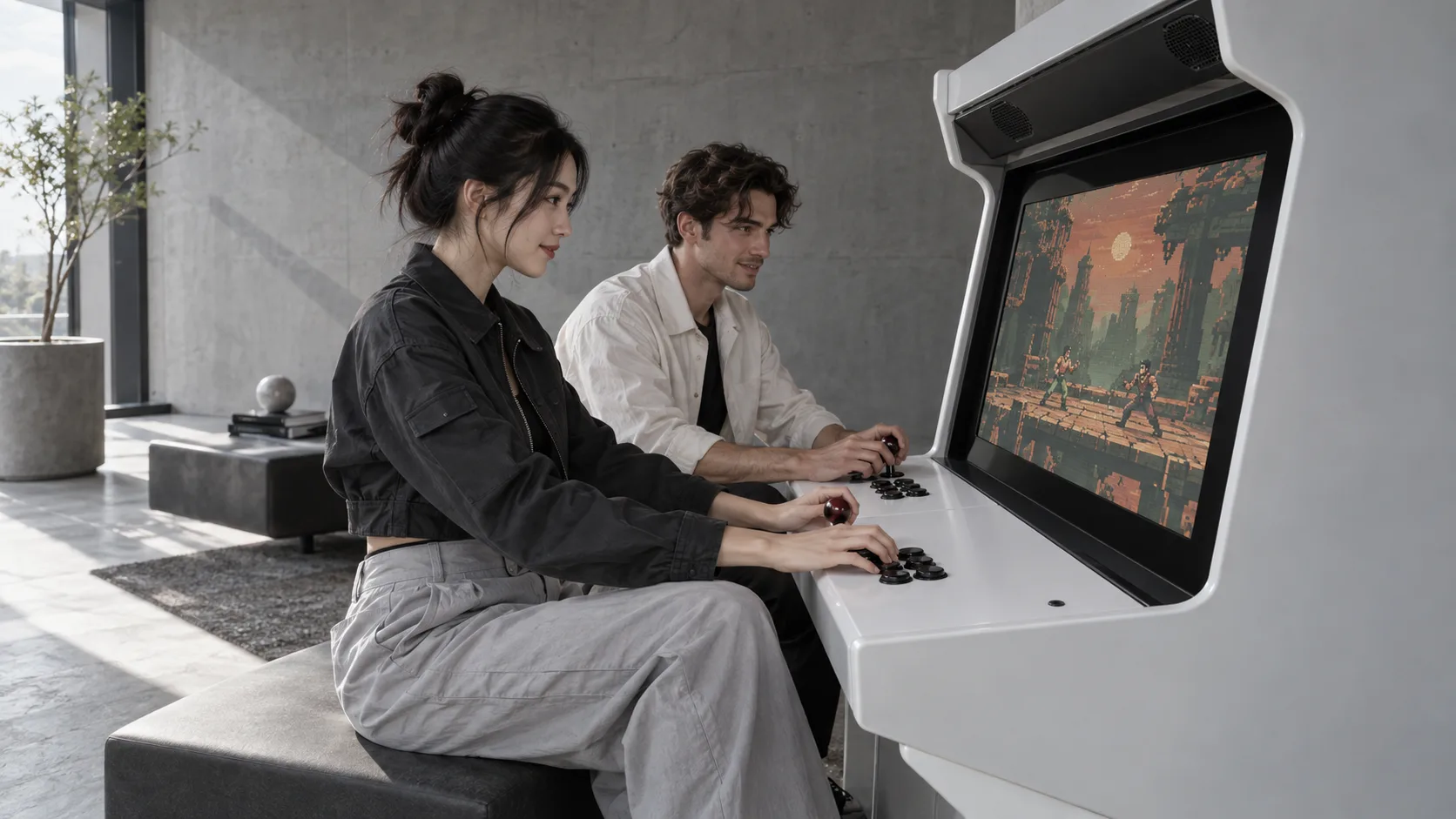
Side by side, one more round

Joysticks, buttons, and a friend beside you bring back familiar arcade moments.

Two adult players using a two-player arcade cabinet together in a minimalist gray-and-white space; the screen shows an AI-generated pixel scene

Before you begin

Understand the requirements and supported features to choose how you want to use the product.

What does LAN require?

AI conversations and in-depth searches require an available model service. LAN automatically uses the game's context to provide focused assistance. Launch and repair actions run under controlled conditions after your confirmation.

How do I play classic games?

Prepare and import the game content yourself. Emulators that support network multiplayer can connect to remote friends through LINK for one-click multiplayer and a return to childhood favorites.

How do LINK and SOFA work together?

LINK establishes room connections, remote virtual LANs, and direct file-transfer paths, providing a low-latency network foundation for SOFA. Once connected, SOFA can share the host's audio and video losslessly, and friends can join the same screen with controllers or a keyboard and mouse.

Can I send folders to friends?

Choose any member in a LINK room and send a single file or an entire folder directly. Fast transfers begin after the recipient confirms, with resumable transfers and real-time progress.

How does Orbit work with LGSM?

Server owners use LanGame Server Manager (LGSM) to install, configure, and start servers. Players on the same network can discover and join them in Orbit. The server computer can also publish services to the current LINK room for remote friends. Direct launch-and-join currently supports Rust, requiring the game installed locally, Steam available, and a reachable network. For other games, you can view service status. Server management remains in LGSM.